
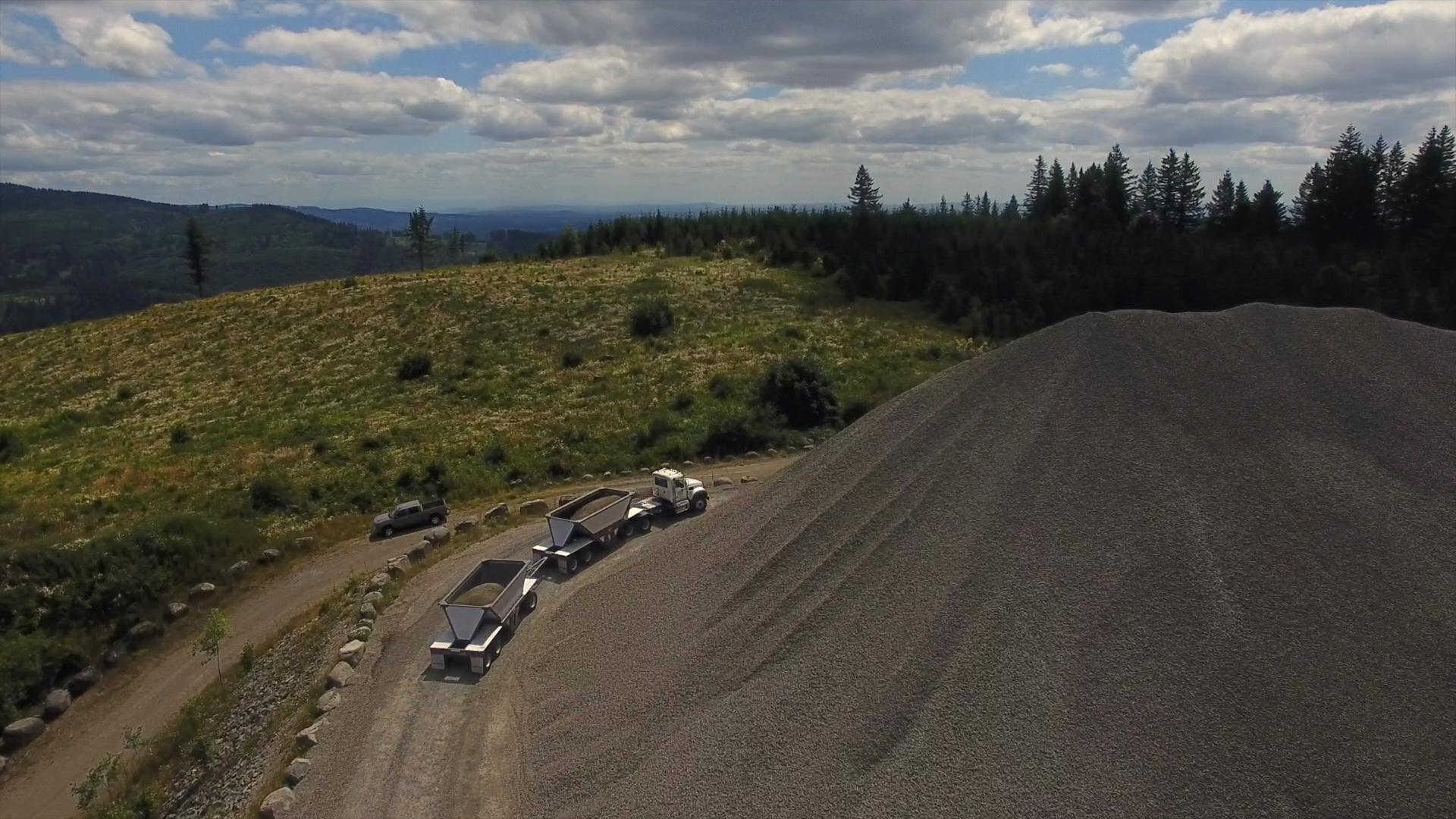
Features
Orders & dispatch
Subcontractors & customers
Bring your subs and customers in
Customers order trucks without a phone call, and subcontractors work from the same orders you do.
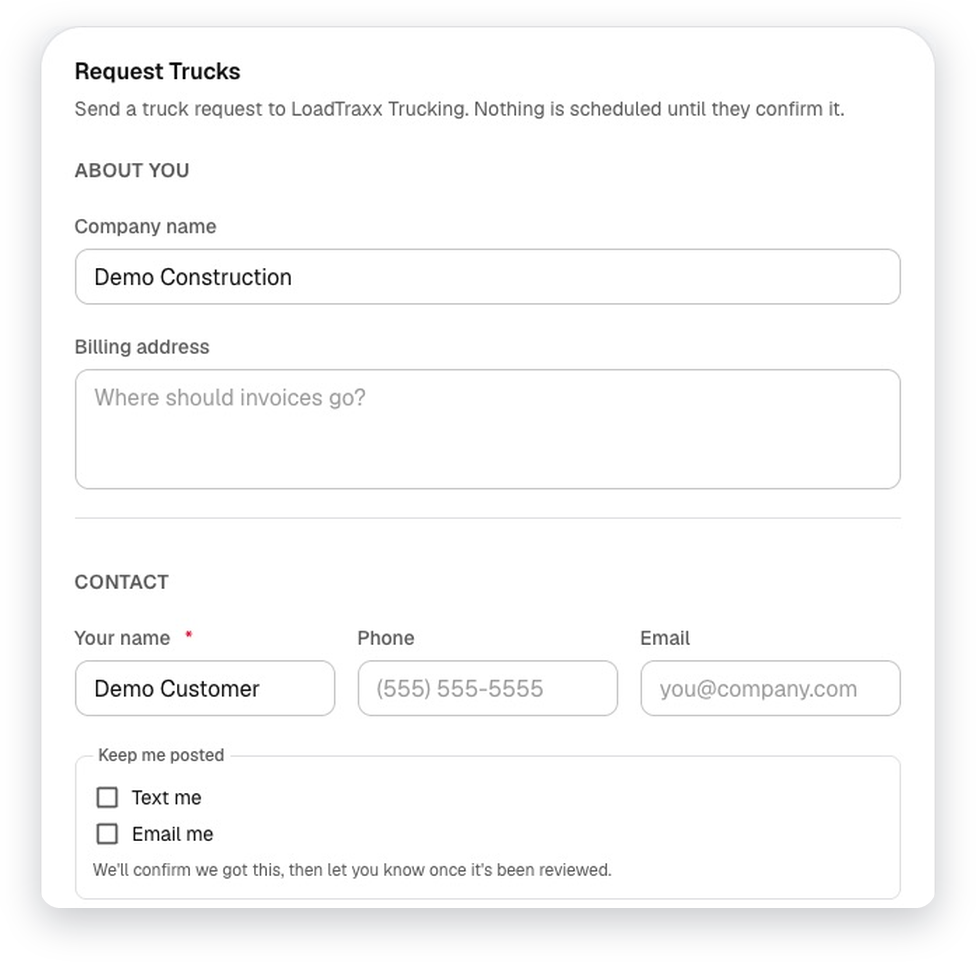
Customer truck requests
Customers request trucks from a link, no login needed. You approve, it becomes an order in one click, and the customer hears back by text or email.
A request link for your website
One company-wide link to put on your own site, plus a link for each customer.
Contractor allocationOptional
Offer part of an order to a subcontractor, record their answer and assign their drivers.
Contractor portalOptional
Subcontractors accept or decline load offers, assign their own drivers and see their loads.
Customer portalOptional
Customers see their deliveries with weigh tickets, scheduled work and shared documents. Prices are never shown.
Scheduling
Build tomorrow in minutes
Tools for the dispatcher matching trucks to orders every afternoon.
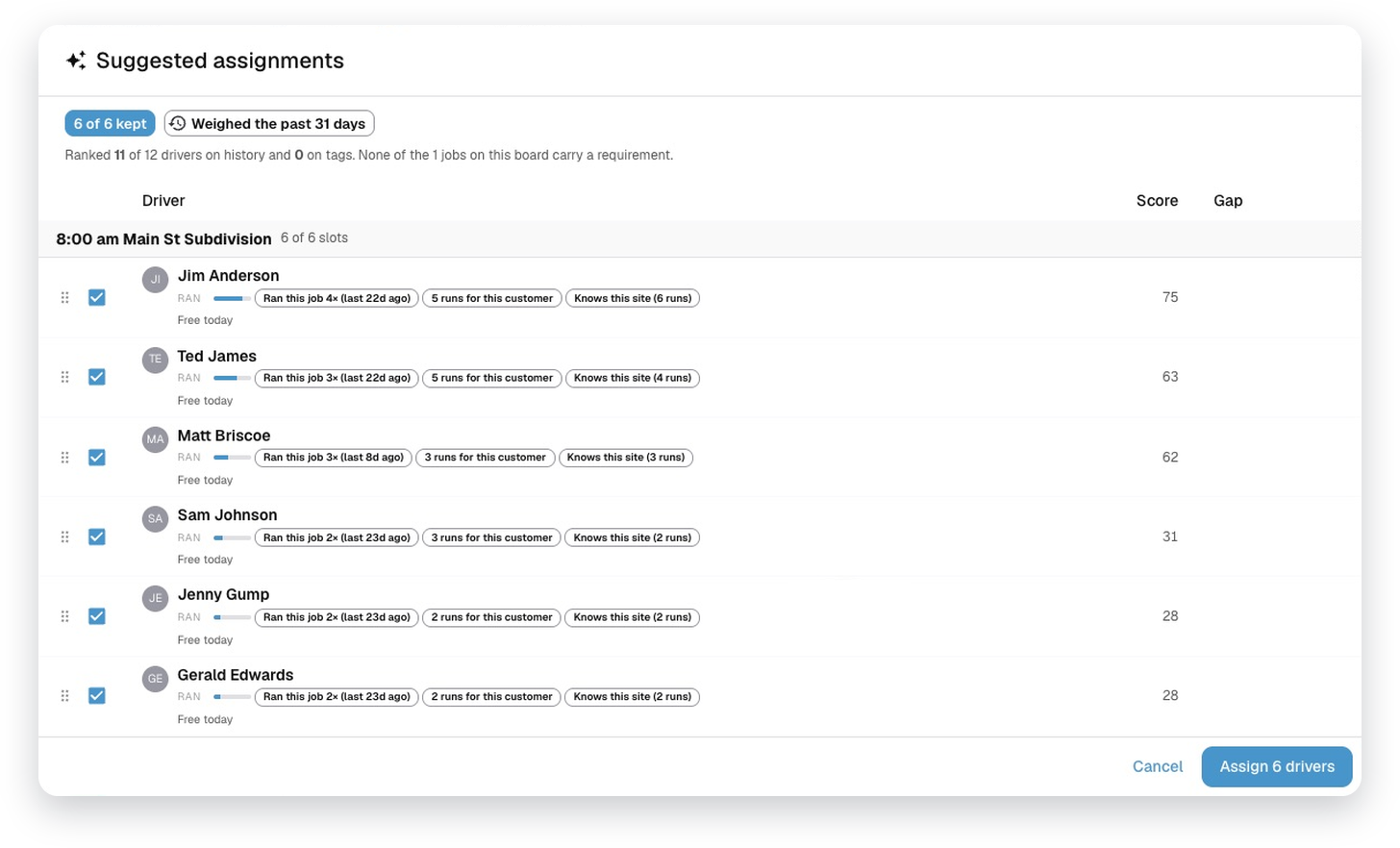
Auto Assign
Suggests drivers for each order from tags, ratings and availability. The dispatcher approves.
Copy orders
Copy yesterday's orders, or send them to other days, with or without the trucks and drivers.
Broadcast extra loads
Offer extra work to the driver pool. Drivers tap “I'm Interested” and you award it.
Staggered starts
Each truck on an order starts a set number of minutes after the last.
Driver TimelineOptional
One row per driver, drag-and-drop scheduling, conflict checks, and each driver's day sent by text.
Time-off awareness
Warns before you assign a driver who's on approved time off.
Dispatch
Dispatches straight to the driver's phone
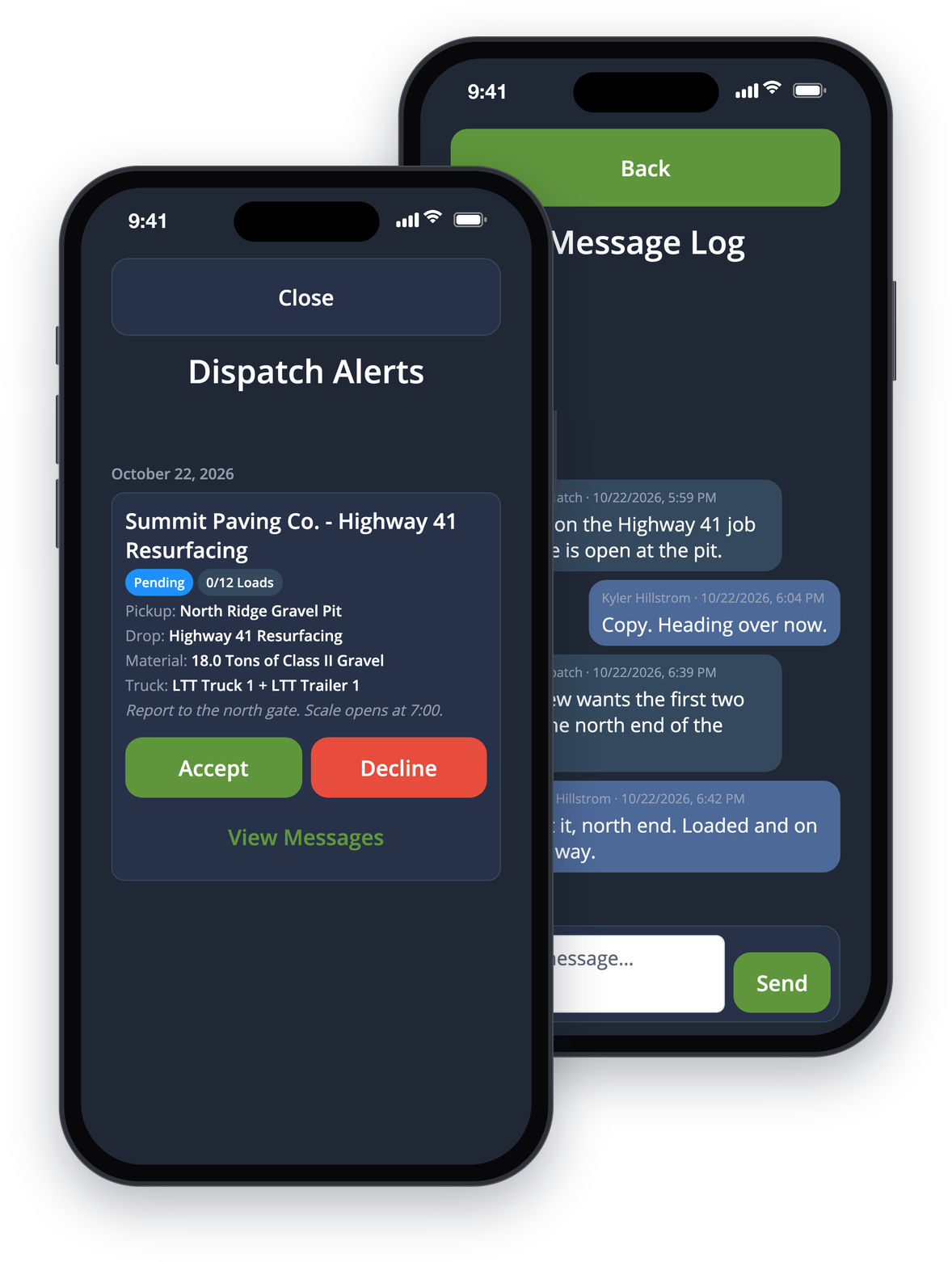
Send the day by text and push. Drivers accept or decline from the cab, and the board shows their answer.
Accept or Decline
Drivers answer every dispatch from their phone. A decline asks for a reason, so you can reassign fast.
Everything on one screen
Job, pickup, drop, material and quantity, truck and trailer, your notes, the crew, and progress like “4 of 12 loads”.
Text and push
Dispatches go out by text message, with push notifications alongside. Drivers can reply Y or N to the text.
Messages on every dispatch
A chat with dispatch on each dispatch, plus a group chat for everyone on the order when you turn it on.
Features
More of LoadTraxx
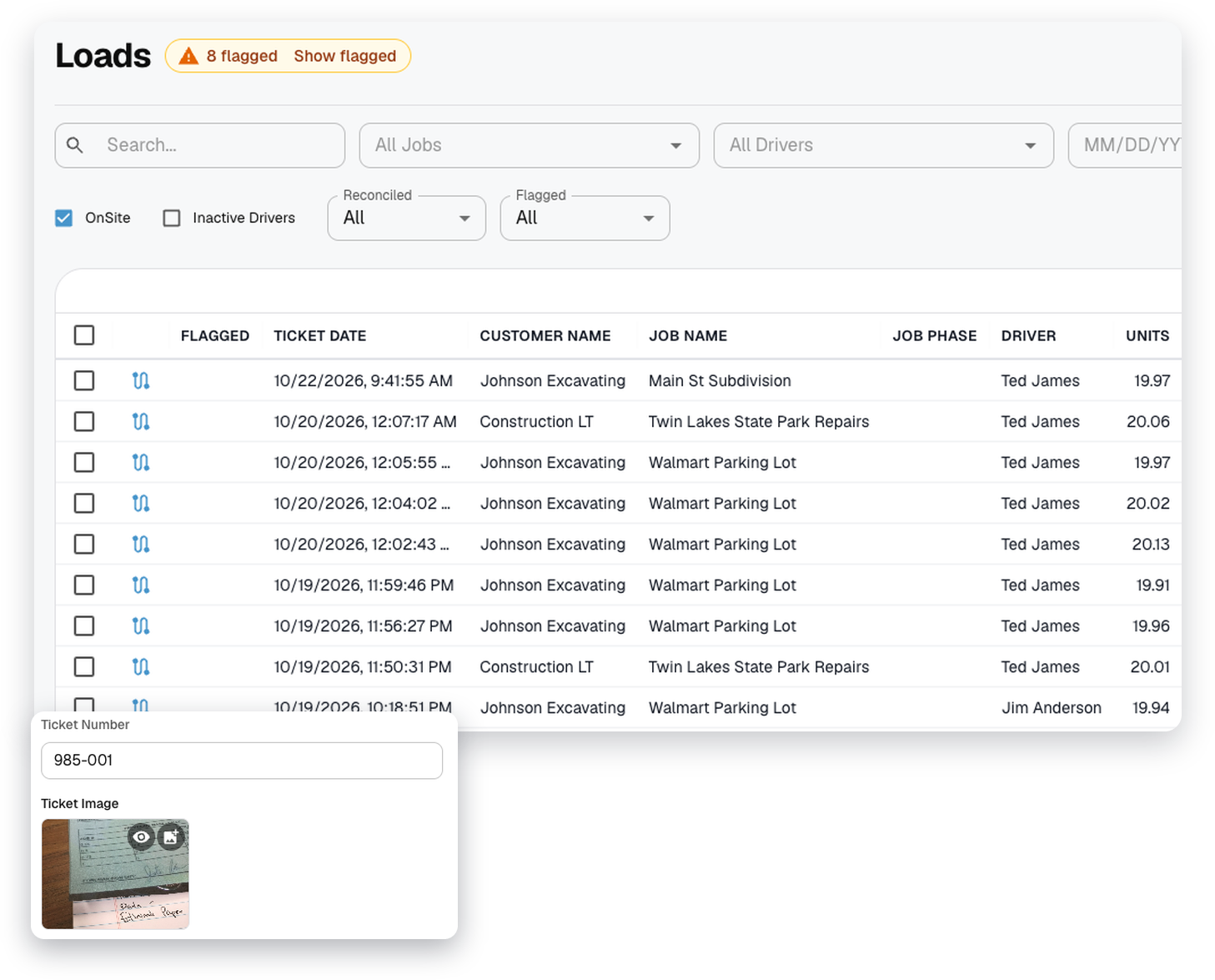
Tickets & proof of delivery
Ticket photos, customer signatures and receipts, with checks that catch bad load data.
Explore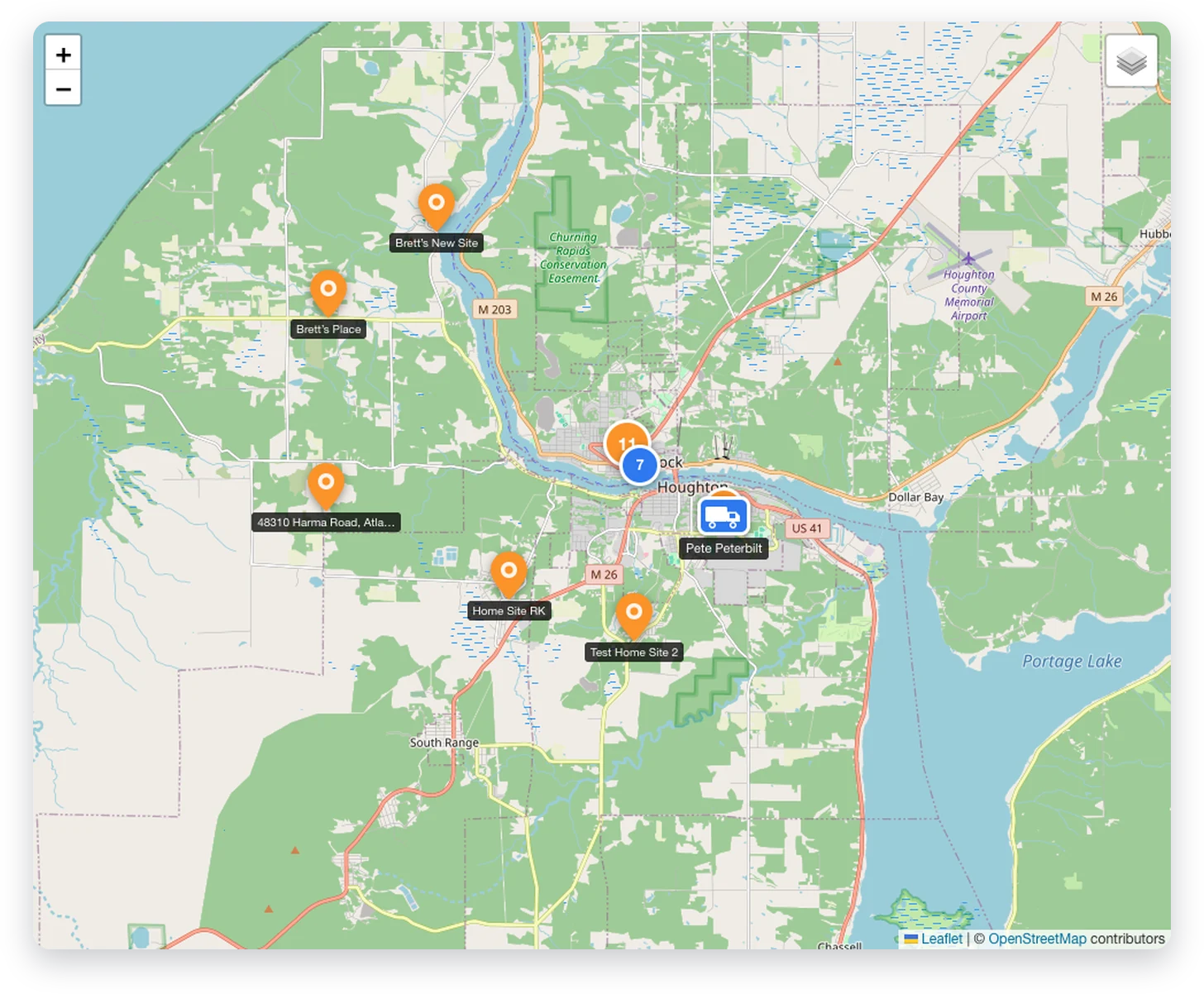
Tracking & dashboard
Every truck on a live map, and where the day stands at a glance.
Explore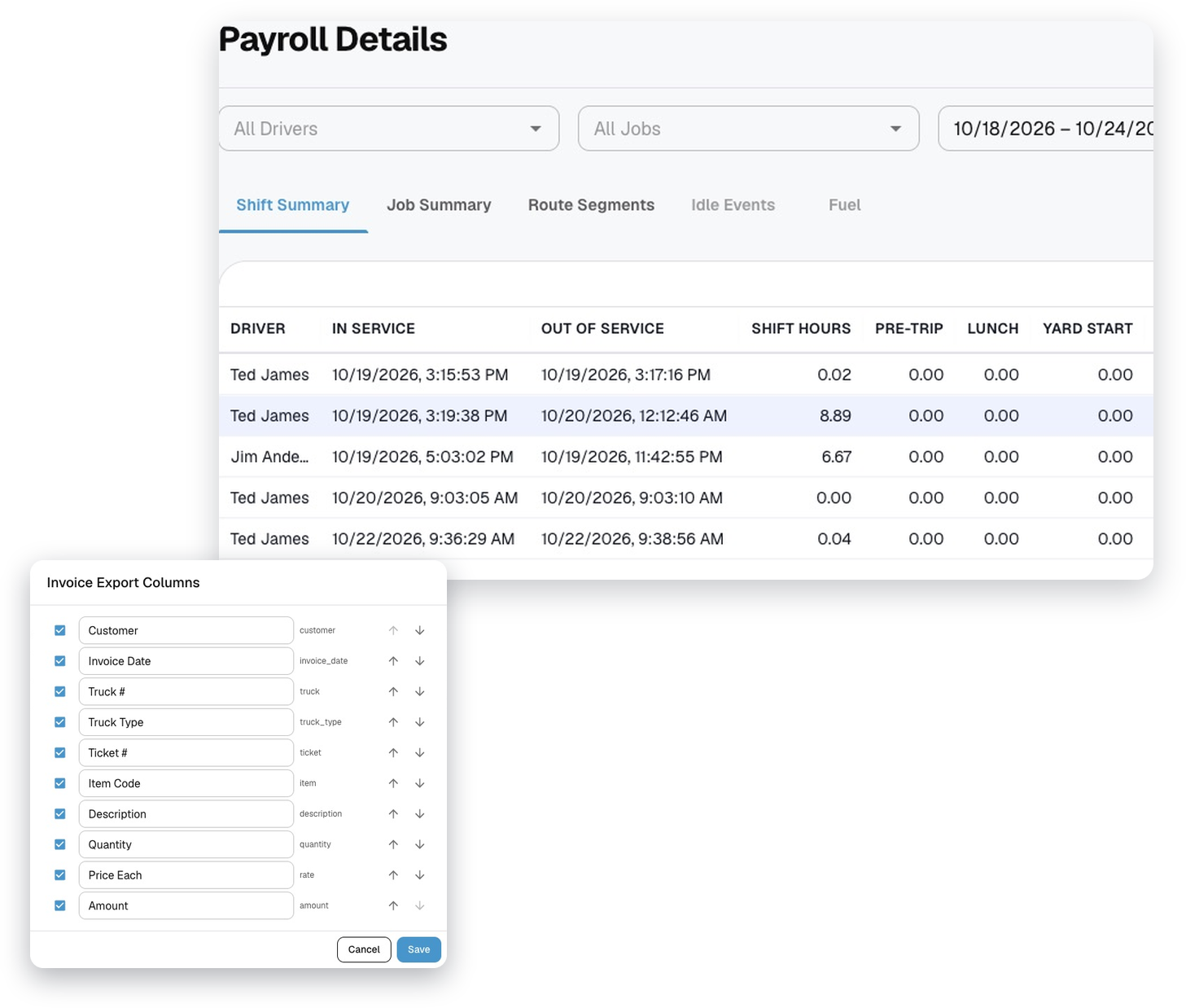
Billing & payroll
One rate engine for invoices, driver pay and contractor pay, with QuickBooks and Spectrum exports.
Explore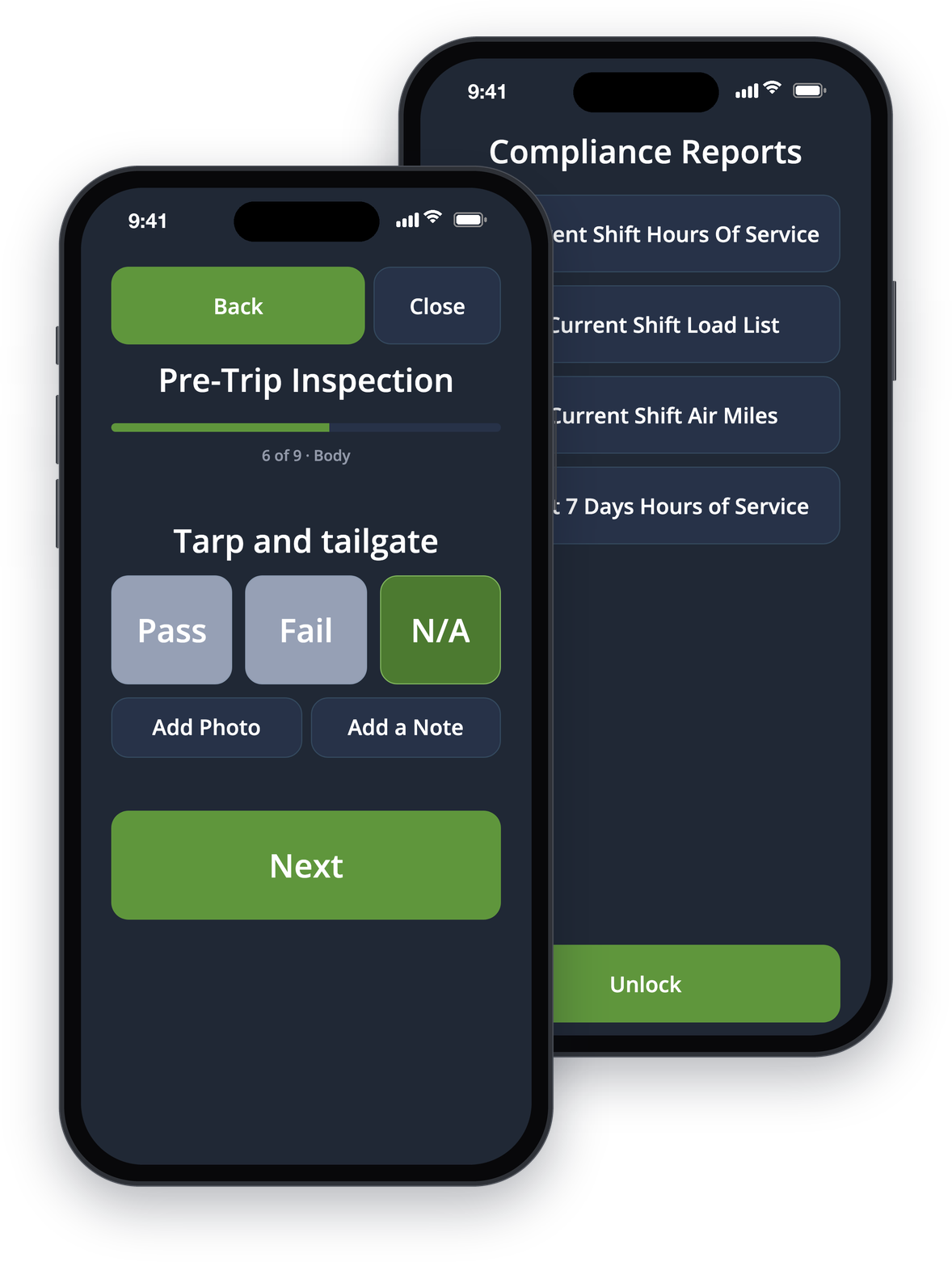
Driver app & compliance
An app built for the cab, and the reports and inspections that keep you compliant.
Explore