
Features
Billing & payroll
Billing
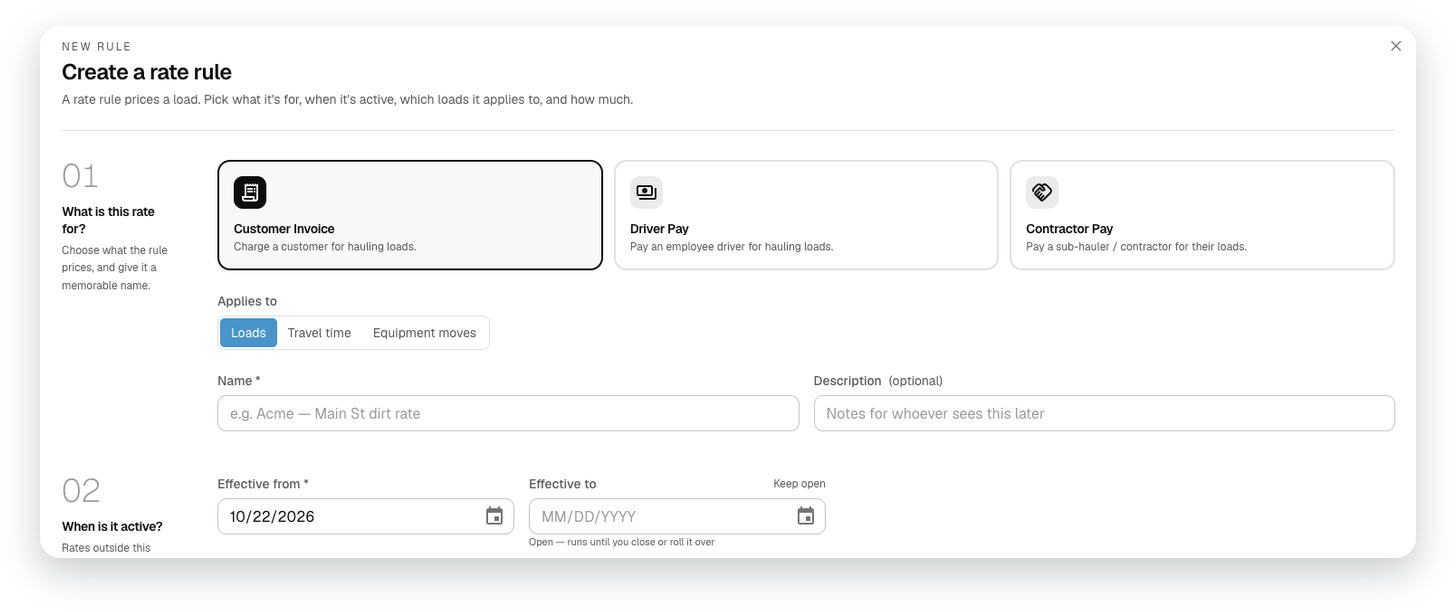
One rate engine for invoices and pay
Set your rates once. The same rules price the customer invoice, driver pay and contractor pay.
Rules that fit how you bill
Target a customer, job, driver, contractor, material, site, region, truck type or unit. The most specific rule wins.
Tiers and surcharges
Tiers, extra line items like a weekend differential, effective dates and fuel surcharge.
Job pricing
Job and material rates, minimum hours, travel time, overtime threshold, prevailing wage and union codes.
Billing reports
Material, time, per-load invoice detail, driver invoices and rental hours, over the billing window you choose.
Payroll
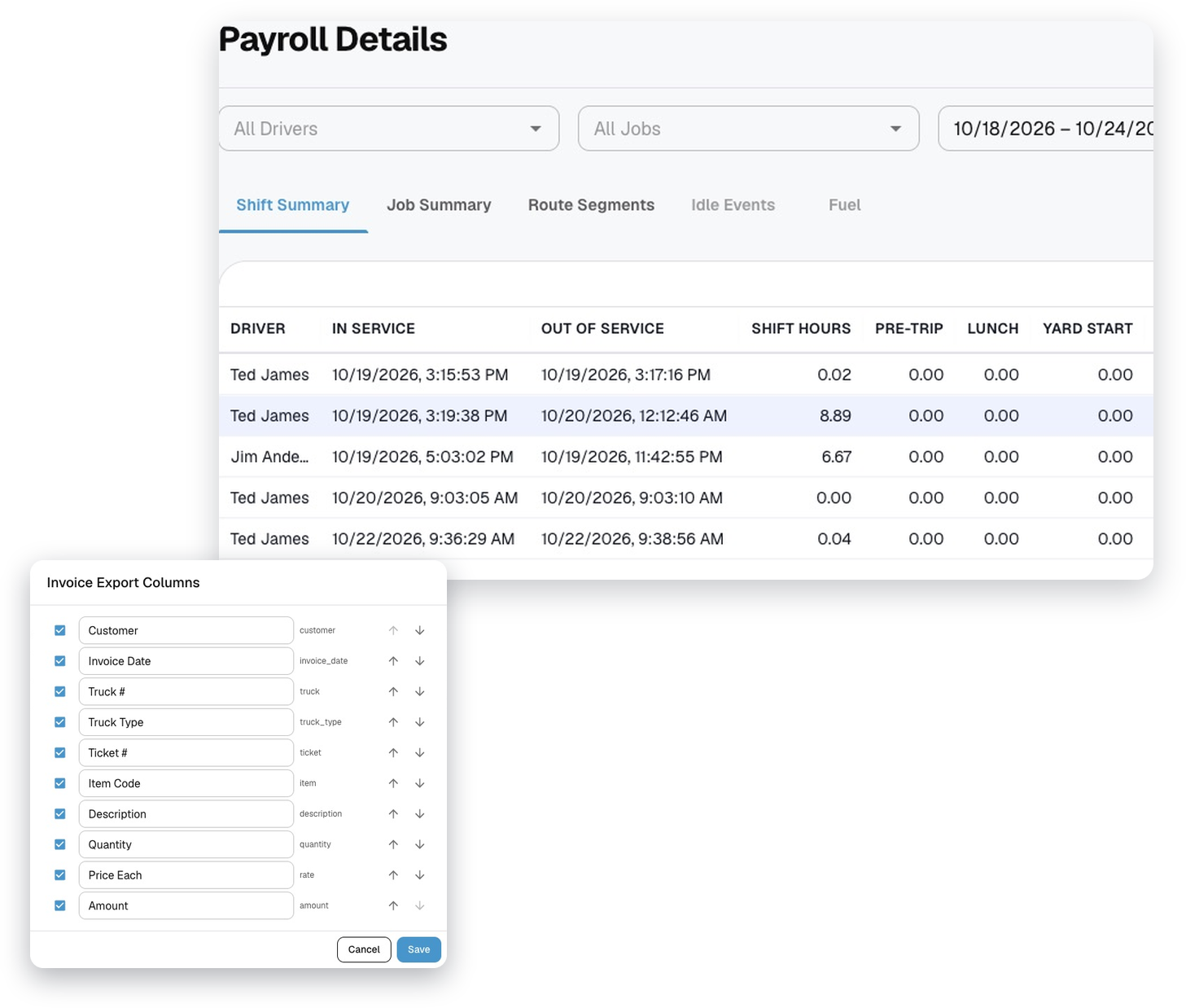
Payroll from the tracked day
Hours come from what drivers actually did, not from timecards.
Hours from the day
Yard time, pre- and post-trip, job time, lunch and idle for each driver, with a Correct Hours editor.
Finalize the week
Close payroll and text every driver their weekly summary.
Prevailing wage ready
Hours by job, rounded to the quarter hour, with employee ID, phase and union code.
Export to QuickBooks or Spectrum
QuickBooks payroll and invoice files, with columns set up for your company, and a Viewpoint Spectrum payroll export.
Features
More of LoadTraxx
Orders & dispatch
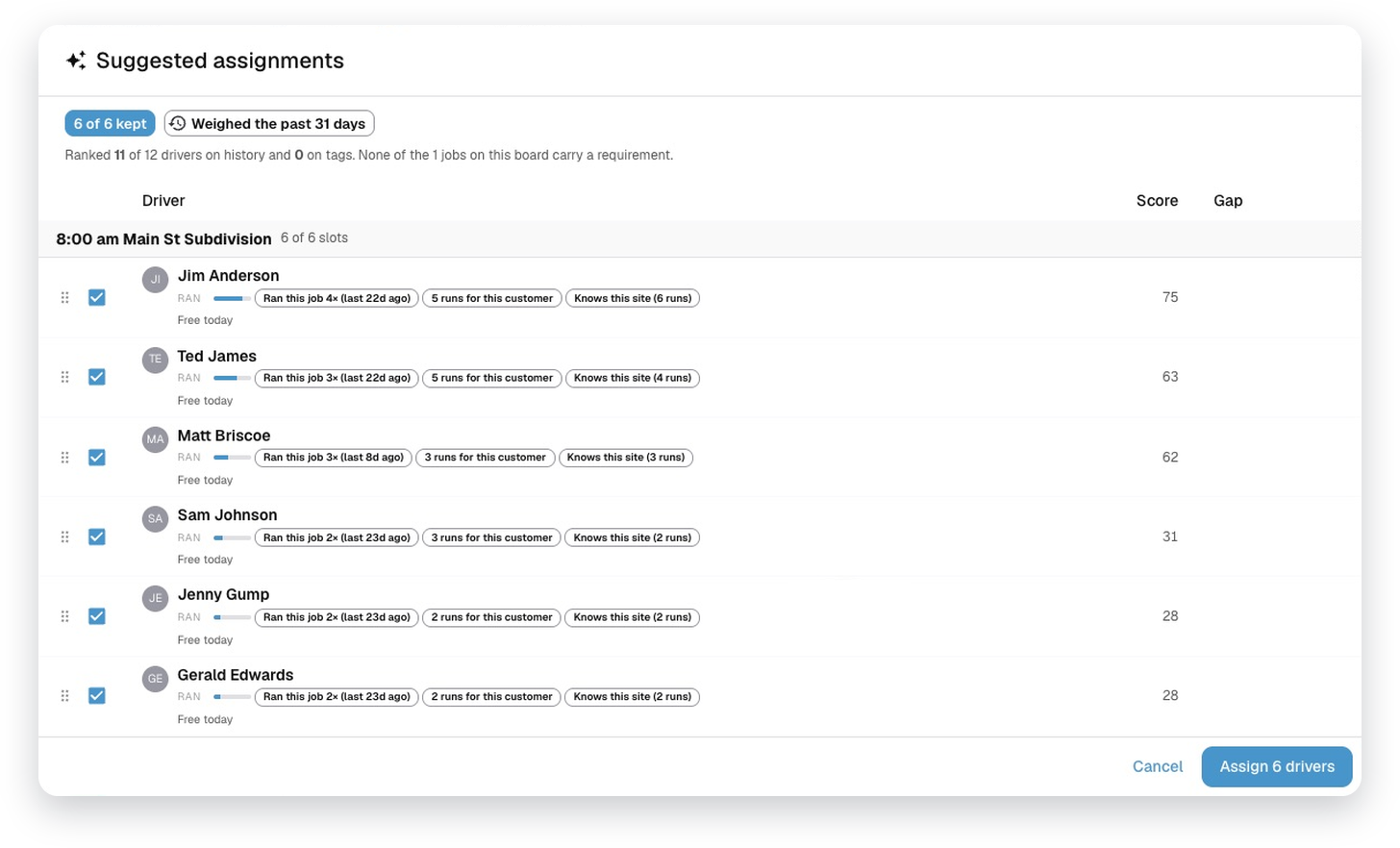
Take truck requests, build the day and send it straight to drivers' phones.
Explore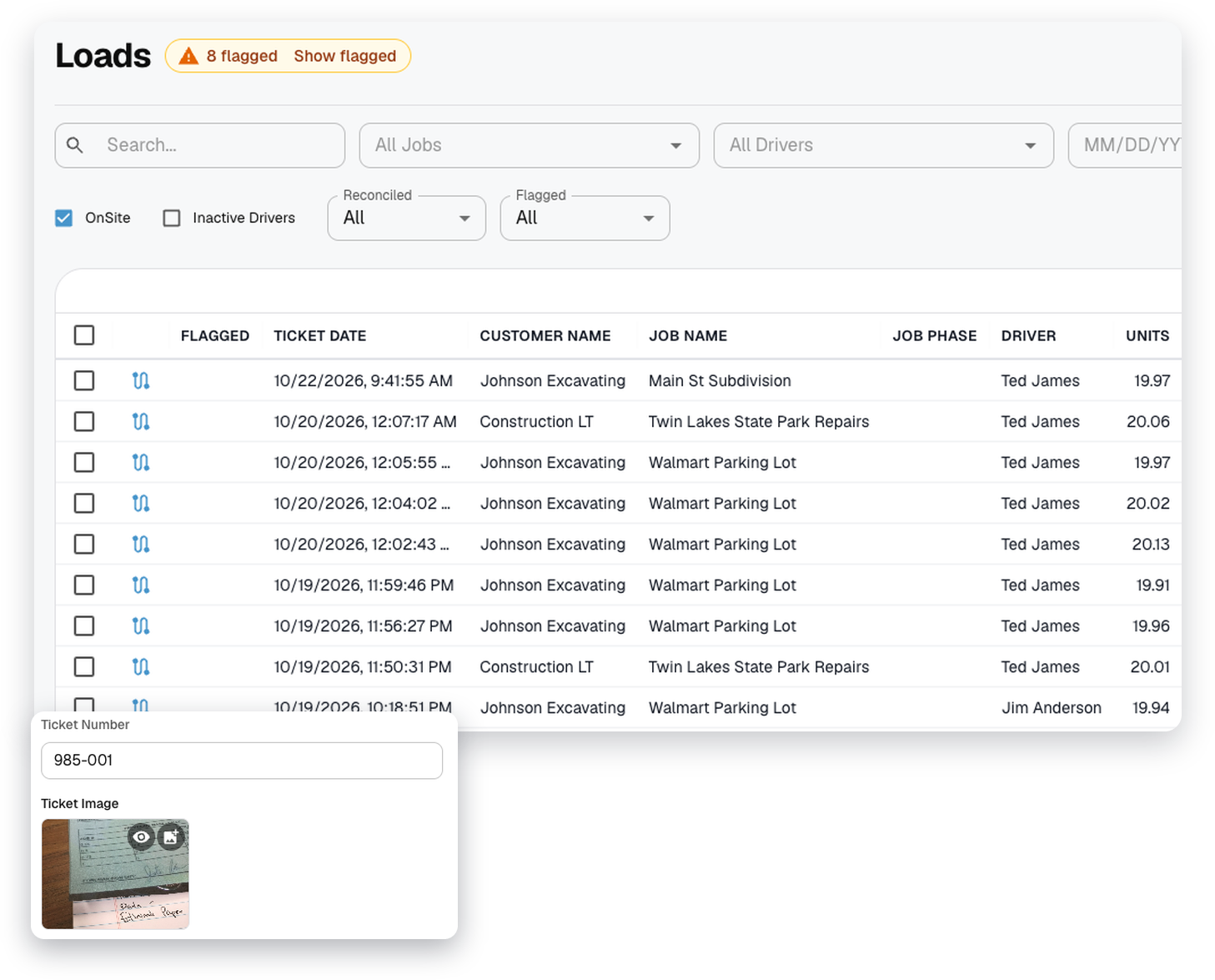
Tickets & proof of delivery
Ticket photos, customer signatures and receipts, with checks that catch bad load data.
Explore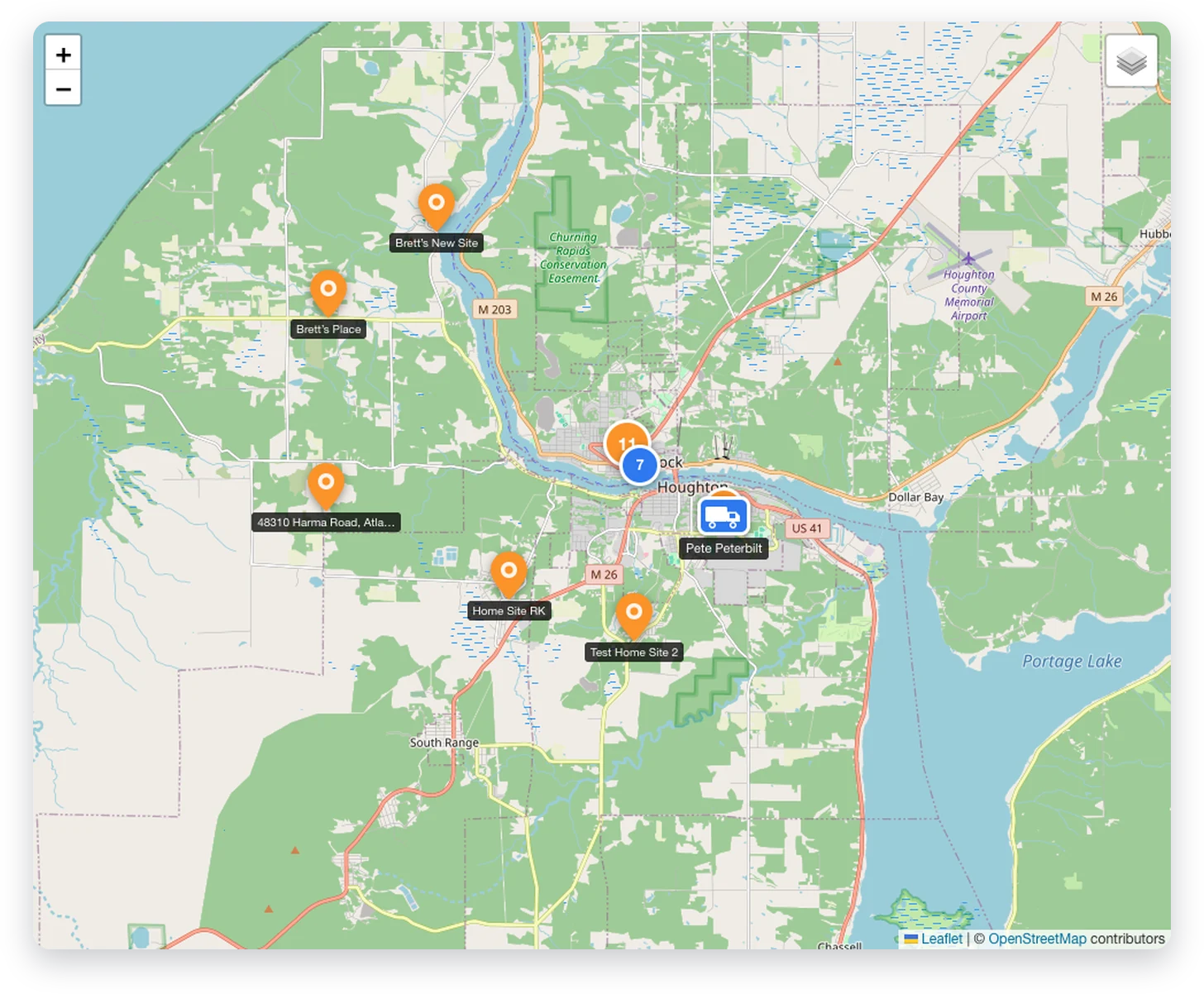
Tracking & dashboard
Every truck on a live map, and where the day stands at a glance.
Explore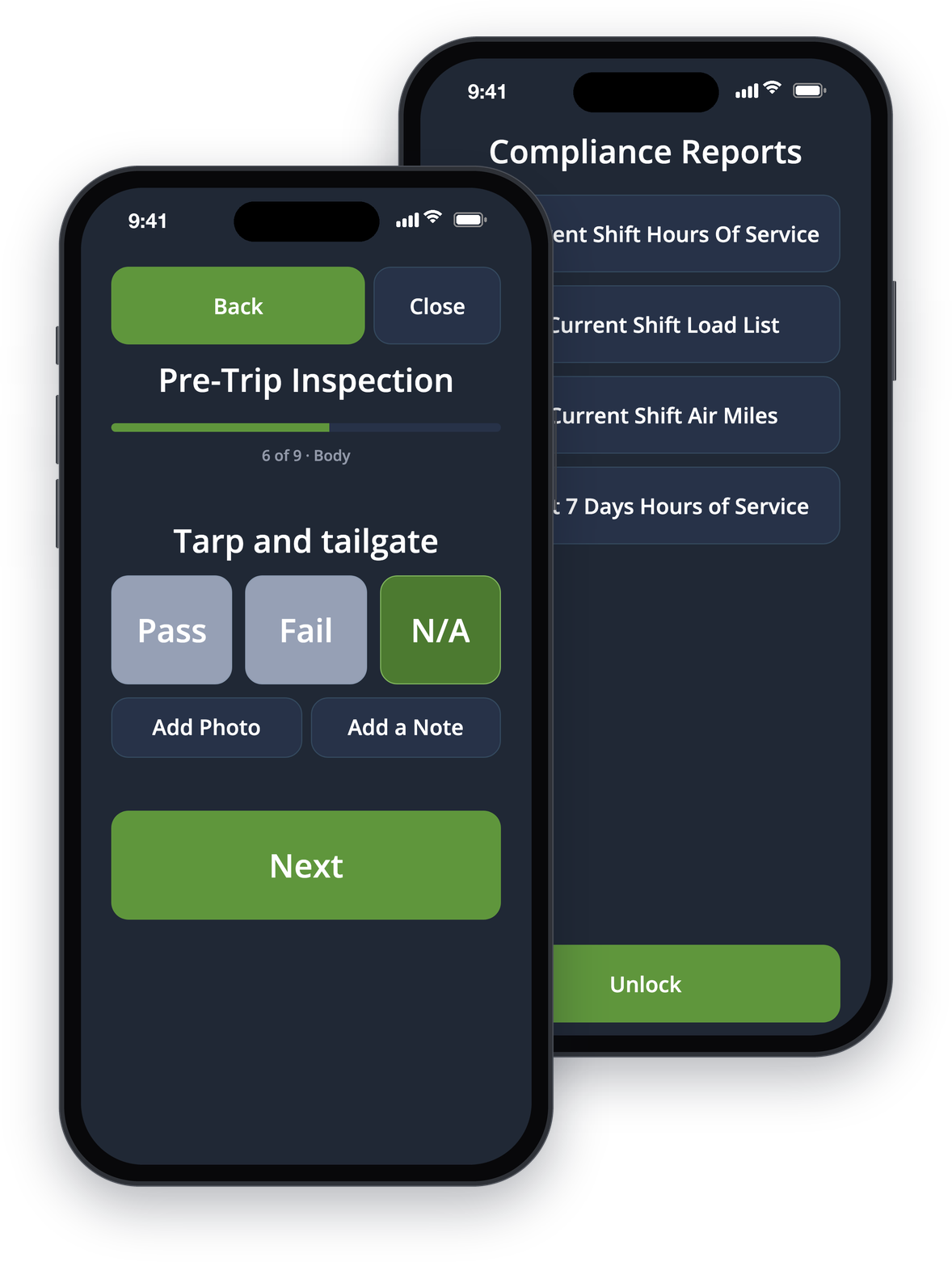
Driver app & compliance
An app built for the cab, and the reports and inspections that keep you compliant.
Explore